




Velumi™ - Pivot Projector


Description
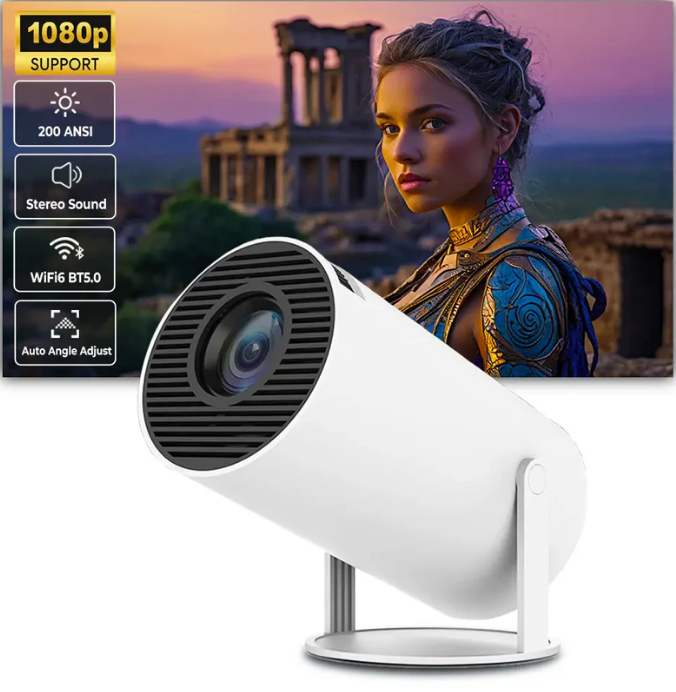
With the Velumi Pivot Projector, experience the future of home entertainment.
Designed for versatility and power, this compact marvel lets you create an immersive cinema experience wherever you go.
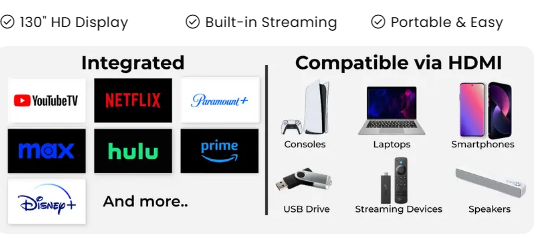
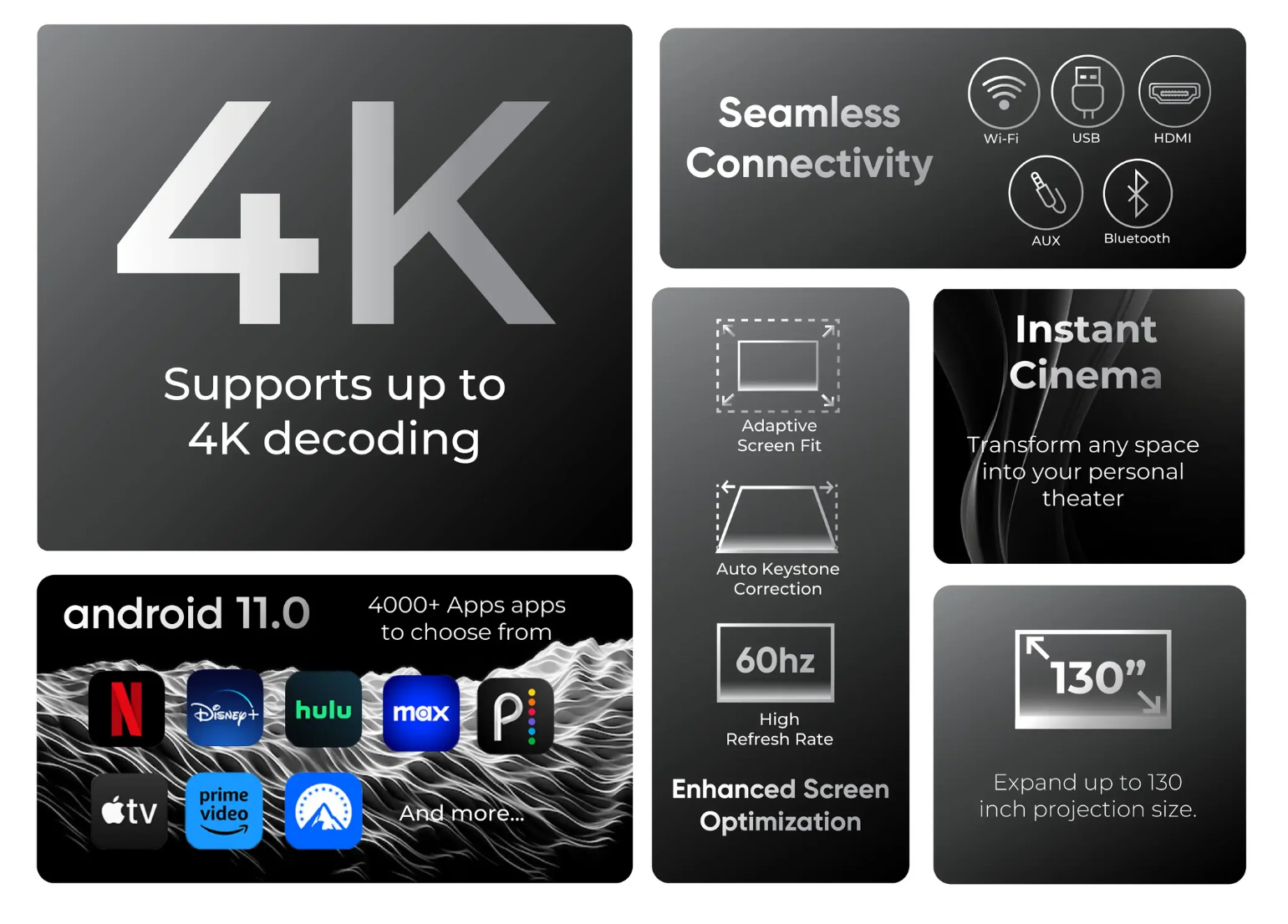
Smart and Intuitive: Equipped with Android 11, giving you access to a world of streaming and media apps via Google Play Store.
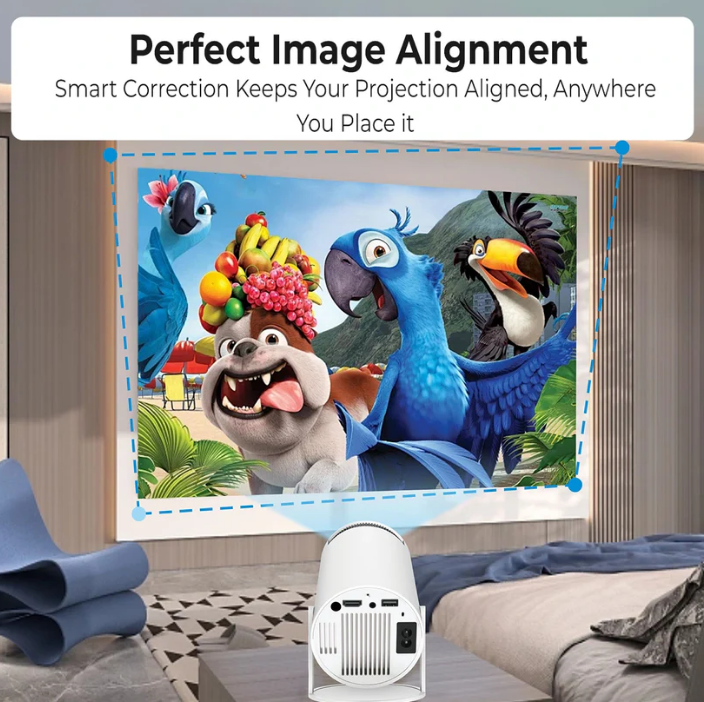
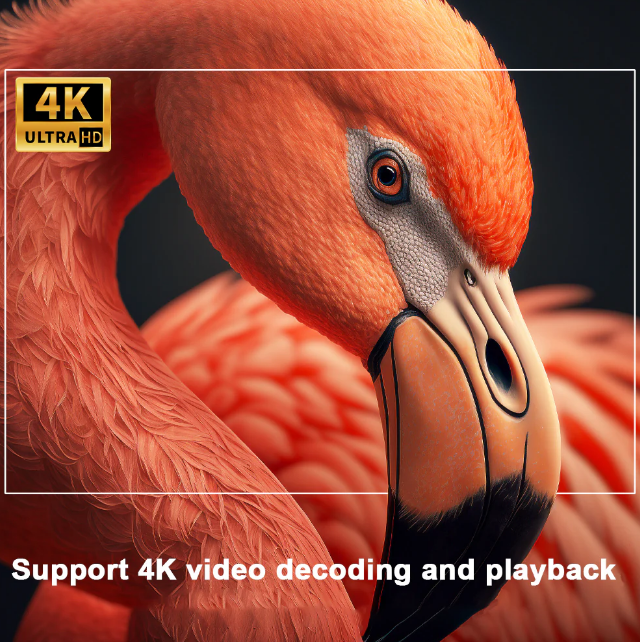
Quality Entertainment: Support for up to 4K with a native HD resolution. No need to worry about distorted images, as the projector features auto and manual keystone correction for a perfectly aligned screen.
Seamless Connectivity: Pair your smartphone or tablet with ease, thanks to Airplay and Miracast screen mirroring capabilities as well as integrated bluetooth.
What's Included?
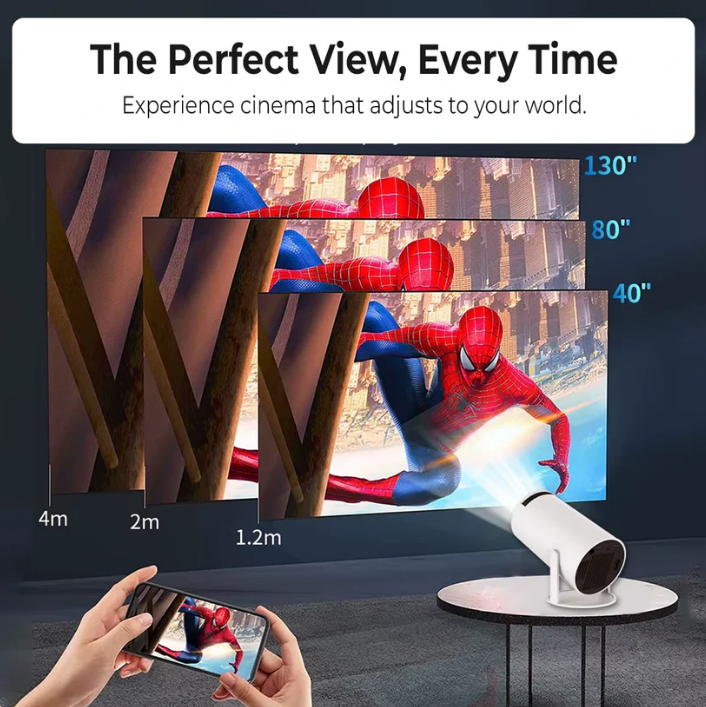
1x Velumi Pivot Projector – Convert any surface to a 130" theater
1x Power Adapter – Hassle-free plug & play setup
1x Remote Control – Seamless navigation for effortless control
1x Setup Guide – Quick instructions to get started
24/7 Customer Support – We’re glad to help whenever you need it!
Fast-Free Worldwide Shipping
Enjoy secure tracked shipping to the US, UK, EU, Australia, and Canada, expect your order within 2–7 business days after being processed.
Shipping times for other countries will be shown once you enter your shipping address at checkout.

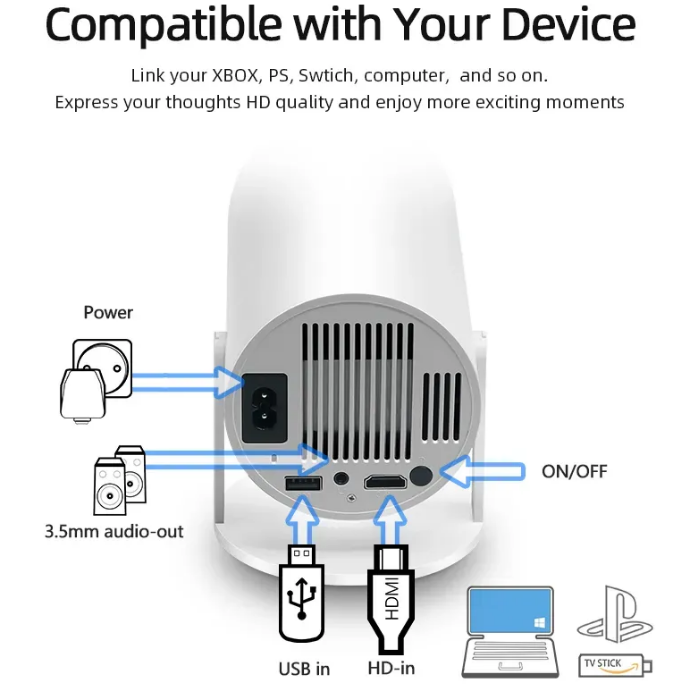
Compatible with





Authentic Over Imitation
Only Velumi Delivers the Real Deal - Don't Fall for cheap knockoffs
Cheap Knockoff
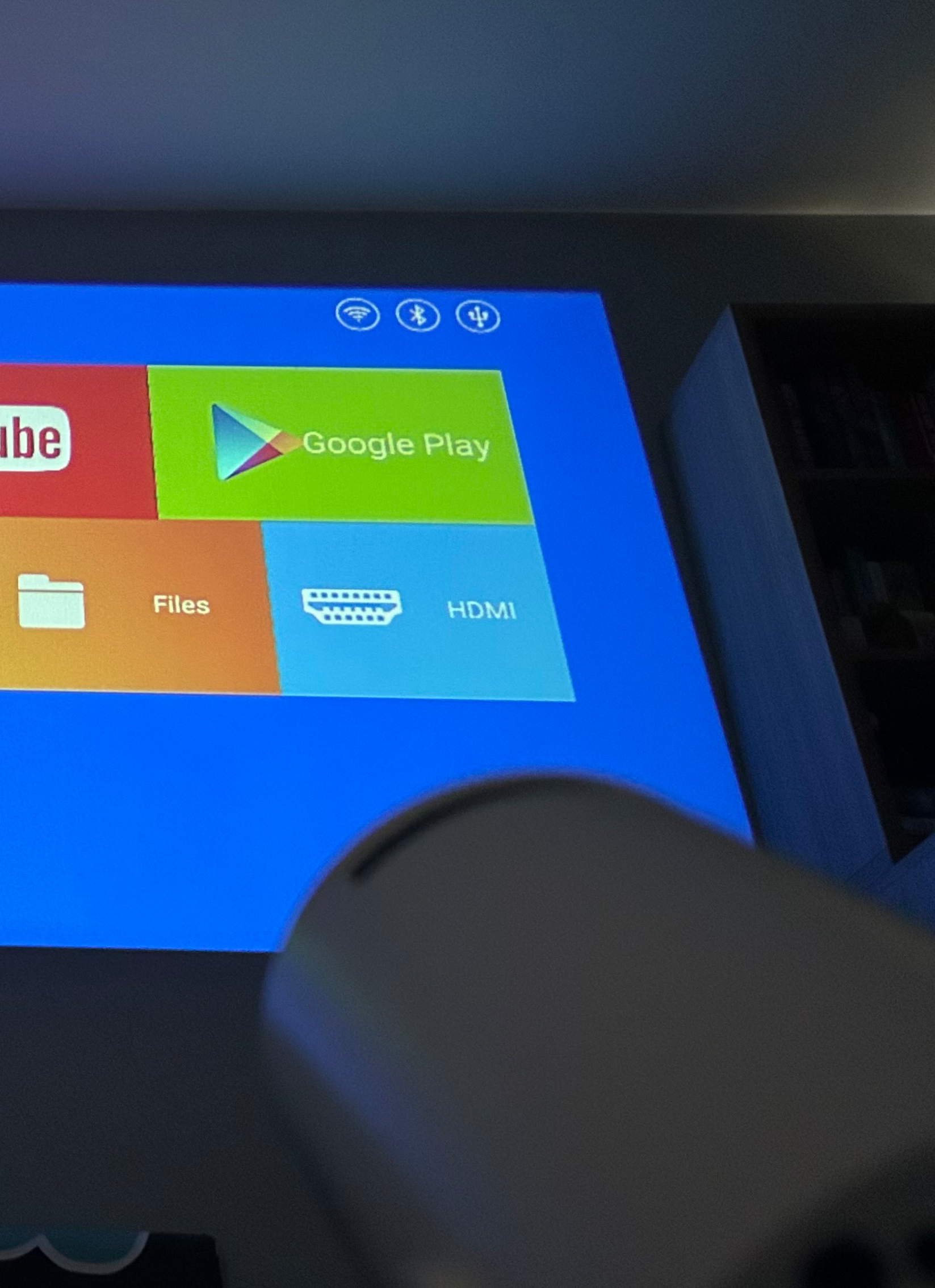
Velumi Projector
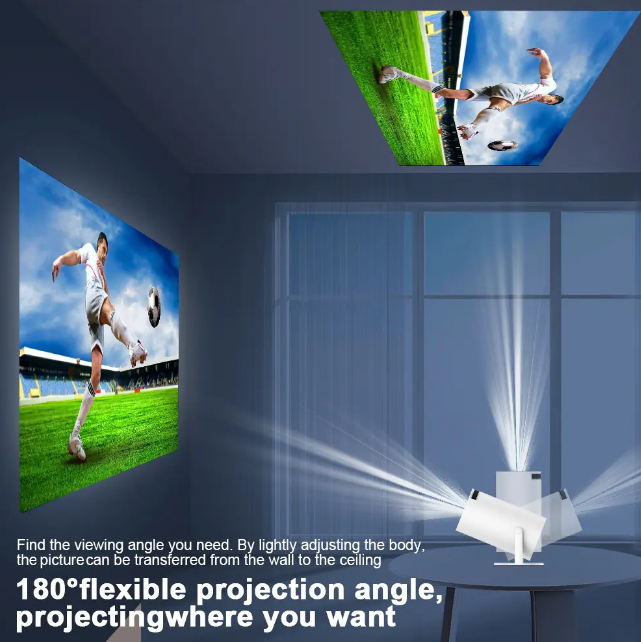

⚡ Easy Setup, Instant Entertainment
Get started in seconds with a hassle-free setup, so you can focus on enjoying your favorite shows and movies.
🔋 Energy-Efficient Technology
Experience high-quality projection with low energy consumption, making the Oklumi Pivot eco-friendly and cost-effective.
🧳 Portable and Convenient
Take your entertainment wherever you go, from camping trips to vacations, with the Oklumi Pivot you never miss out on the fun.
🎮 Enhances Gaming Experiences
Dive into your favorite games on a massive screen for a more immersive and thrilling experience.
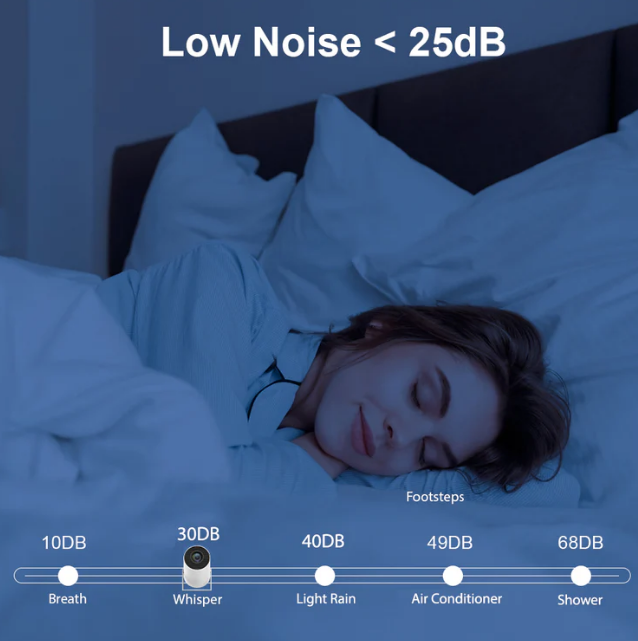
Whisper Quiet
Enjoy your experience without any distractions, thanks to the projector’s quiet fan. You can immerse yourself in the moment without any distracting background noise.
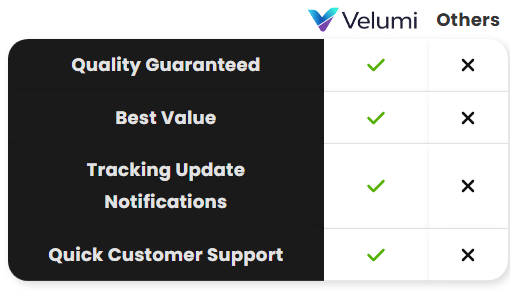
Discover Why Thousands Trust Us to Elevate Their At-Home Cinema Experience
Reviews That Speak for Themselves
Hannah W.
Loving it!
Extremely happy with my purchase, the projector itself really gives a nice cinematic vibe. I was tempted to pair with the echostrip and im so glad i did, 😊 dont get me wrong, it's completely optional since the pivot comes with pretty good built-in speakers but if you want to get a more immersive surround sound cinematic experience, I highly recommend pairing with the echostrip.
Sophia A.
Really easy to setup
I honestly thought I wouldn’t be able to use this as I am not very techsavvy, but I was suprised how easy it was and for hooking up to my laptop, it was literally just plug and play. Really cool!
Mary U.
Great value in comparison
I was looking into movie projectors and was disappointed when I noticed most were $800+ and then I found the pivot projector which I thought may be misleading due to the affordable price at first but I am happy to say it met and exceeded my expectations, I now use it daily, customer support was really helpful with all my questions aswell. Thanks.
Specs
OS: Android 11
Voltage (US, UK, EU, AU): 110–230V
CPU: Quad-core ARM Cortex-A53
GPU: Mali-G31 supports OpenGL ES3.2, Vulkan 1.1, and OpenCL 2.0
Wi-Fi: Dual Frequency (2.4G & 5G WiFi)
Native Resolution: 1280*720P (Support 4K)
Bluetooth: BT 5.0
Contrast Ratio: 1500:1
Projection Technology: LED
Ansi Lumens: 200
Built-in Speaker: Yes
Remote control included: Yes
Keystone Correction: Auto Correction / Manual Correction
Projection Screen Size: 20–120 Inches
Fan Noise: <30dB
App Store: Google Play
Screen Mirroring: Airplay, Miracast
Picture Format: JPG, BMP, PNG, Supports image scaling
FAQ's
How does the keystone correction work?
The Velumi Pivot supports automatic and manual keystone correction. To adjust the keystone correction go to Settings > Projection Settings > Keystone Correction.
How can I zoom the projection in and out?
To Zoom in and out go to Settings > Projection Settings > Screen Zoom and adjust the zoom to your preference.
How do I control my Velumi Pivot?
There is a remote control included that is used to navigate through the Oklumi Pivot’s Android interface.
How can I adjust the Velumi Pivot’s Focus?
You can adjust the Pivot’s focus by using the focus wheel located near the projector’s lens.
Shipping
Free Shipping Worldwide!
Shipping times for each country displayed at checkout.
Please allow 1–5 business days to process your order. Once your order is shipped the shipping times are as displayed at checkout.
Canada Shipping: Please note that due to the ongoing Canada Post strike, orders may take longer than usual to arrive at their destination. This delay is beyond our control, and we sincerely appreciate your patience and understanding during this time.
Tracking
You can track your order by going to our Track Your Order page and entering your order information.
OS: Android 11
Voltage (US, UK, EU, AU): 110–230V
CPU: Quad-core ARM Cortex-A53
GPU: Mali-G31 supports OpenGL ES3.2, Vulkan 1.1, and OpenCL 2.0
Wi-Fi: Dual Frequency (2.4G & 5G WiFi)
Native Resolution: 1280*720P (Support 4K)
Bluetooth: BT 5.0
Contrast Ratio: 1500:1
Projection Technology: LED
Ansi Lumens: 200
Built-in Speaker: Yes
Remote control included: Yes
Keystone Correction: Auto Correction / Manual Correction
Projection Screen Size: 20–120 Inches
Fan Noise: <30dB
App Store: Google Play
Screen Mirroring: Airplay, Miracast
Picture Format: JPG, BMP, PNG, Supports image scaling
How does the keystone correction work?
The Velumi Pivot supports automatic and manual keystone correction. To adjust the keystone correction go to Settings > Projection Settings > Keystone Correction.
How can I zoom the projection in and out?
To Zoom in and out go to Settings > Projection Settings > Screen Zoom and adjust the zoom to your preference.
How do I control my Velumi Pivot?
There is a remote control included that is used to navigate through the Oklumi Pivot’s Android interface.
How can I adjust the Velumi Pivot’s Focus?
You can adjust the Pivot’s focus by using the focus wheel located near the projector’s lens.
Free Shipping Worldwide!
Shipping times for each country displayed at checkout.
Please allow 1–5 business days to process your order. Once your order is shipped the shipping times are as displayed at checkout.
Canada Shipping: Please note that due to the ongoing Canada Post strike, orders may take longer than usual to arrive at their destination. This delay is beyond our control, and we sincerely appreciate your patience and understanding during this time.
You can track your order by going to our Track Your Order page and entering your order information.